
Key elements of agent setup include:
- Define the Agent's Purpose: Be clear on the role, for example an SDR agent focused on lead qualification and meeting booking.
- Select Channels: Decide where the agent will operate, such as email, web chat or messaging platforms.
- Configure Topics and Actions: Define what the agent can actually do, such as creating or updating Leads and Contacts, sending follow-up emails, or booking meetings.
- Establish Guardrails: Set boundaries so the agent only uses approved knowledge and follows internal guidelines.
- Set the Brand Tone: Define how the agent communicates so it stays consistent with the organisation's voice.
Key considerations for architects include:
- Prompt Design: Clear instructions, tone and boundaries.
- Context Injection: Supplying relevant CRM data such as Lead or Contact information.
- Guardrails: Limiting responses to approved sources.
- Versioning and Governance: Managing prompts properly, in the same way you would manage code.
When prompts are structured properly and supported by automation, the outcome is far more predictable.
A practical approach includes:
- Upload Content: Bring in product brochures, sales collateral, pitch decks, case studies, FAQs and commonly used email templates.
- Create a Retriever: Set up a retriever to access this content.
- Build a Search Index: Enable semantic search across the content.
- Use in Prompts: Reference the retriever so responses are based on real, relevant information.
This allows the agent to use existing knowledge quickly, while keeping responses aligned with how the business communicates.
Typical Workflow:
- Inbound Enquiry: A prospect submits a form or sends an email.
- Data Enrichment and Validation: Email addresses are validated using tools such as ZeroBounce.
- Qualification: The agent checks criteria such as geography, industry and engagement signals.
- Personalised Engagement: Responses are generated using grounded knowledge.
- Meeting Scheduling: The agent offers a booking experience through Calendly.
- CRM Updates: Leads or Contacts are created or updated automatically.
Key Architectural Components:
- Lead and Contact objects as the system of record.
- Prompt-driven qualification and engagement.
- Integration with ZeroBounce for email validation.
- Calendly integration for scheduling.
- Activity and engagement tracking within Salesforce.
Implementation Pattern:
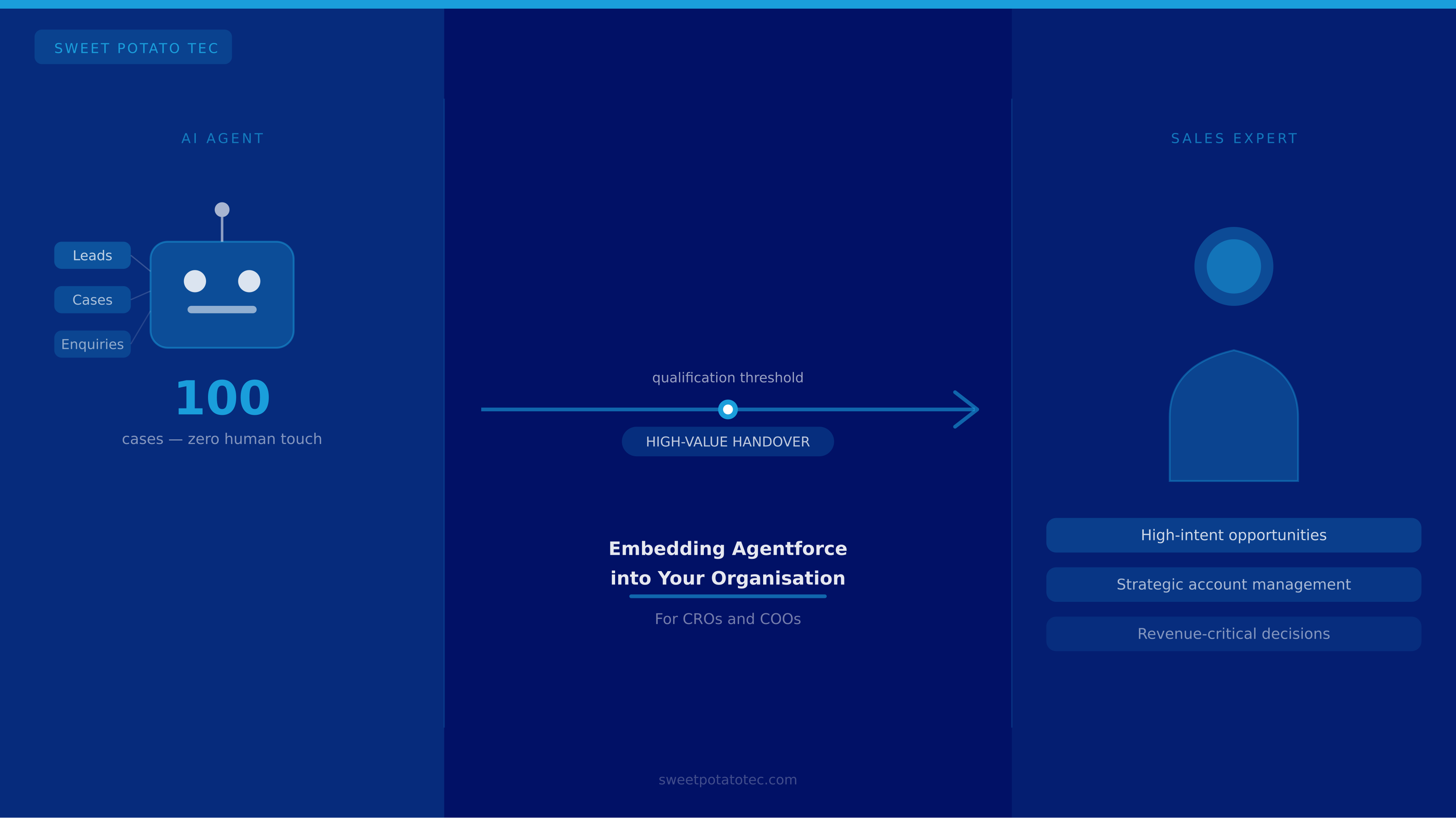
- Trigger: A Lead meets a defined threshold such as score or deal size.
- Flow Orchestration: The Lead is assigned to a senior sales representative.
- Task Creation: Follow-up tasks and notifications are created automatically.
- Contextual Summary: The agent provides a summary of previous interactions.
- Opportunity Conversion: Leads are converted when appropriate.
This keeps the transition from automated engagement to human interaction smooth and controlled.
Benefits of Smart Links:
- Centralised, version-controlled content.
- Engagement tracking to understand interest.
- Personalised links within agent responses.
- Integration with Salesforce campaigns and reporting.
Using smart links helps maintain control over content while giving visibility into how prospects engage.
Agent Setup
Be clear on purpose, channels and guardrails before building anything else.
Prompts are Logic
Treat them with the same discipline as code. Version them, govern them, test them.
Ground with a Retriever
Use trusted content and reference it properly so responses stay accurate and on-brand.
Build a Strong SDR Pattern
Leverage Leads and Contacts as the system of record with Calendly and ZeroBounce integrated.
Flow for Human Handovers
Use Salesforce Flow to manage transitions from automated engagement to human input cleanly.
Smart Links for Content
Distribute collateral via smart links to keep control and track engagement in Salesforce.
Enable Zero-Touch Booking
Integrate Calendly so prospects can book without any manual involvement from the sales team.
Keep it Simple
Focus on patterns that scale without adding unnecessary complexity to the architecture.
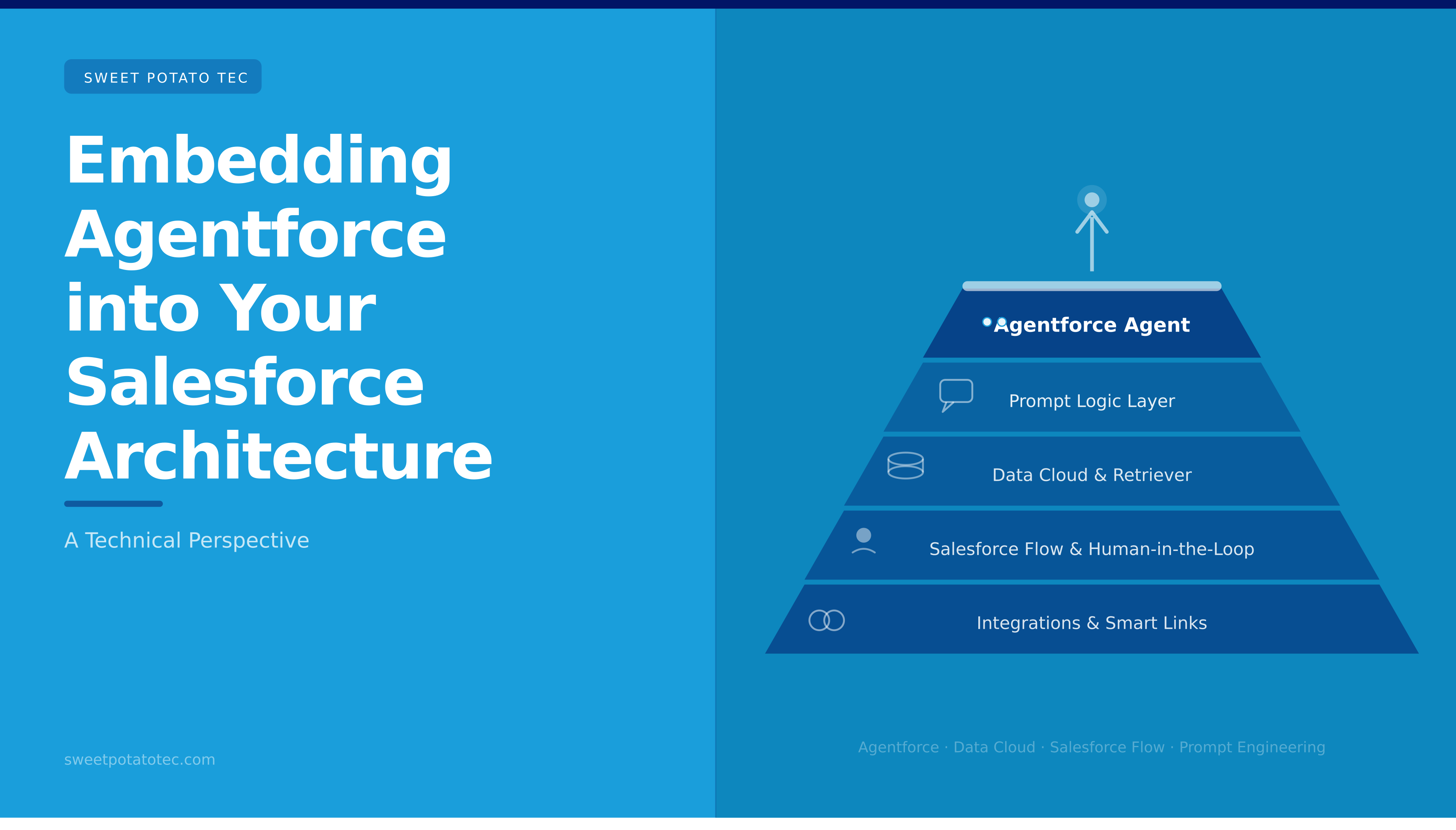
Combining well-configured agents, structured prompts, grounded knowledge, automation and integrations allows organisations to build systems that are both scalable and practical - and creates a solid base for future development within the Salesforce ecosystem.